Maker.io main logo
TUTORIAL
89

Qwiic Atmospheric Sensor (BME280) Hookup Guide

By SparkFun Electronics

The Qwiic Atmospheric Sensor (BME280) is an updated board revision of our Atmospheric Sensor Breakout- BME280 to make it Qwiic compatible.

PROJECT
1 844

How to Install Windows 11 on Raspberry Pi Devices

By Rinme Tom

Learn how to install Windows 11 on Raspberry Pi 4 and Pi 5. Step-by-step tutorial with WoR setup, UEFI configuration, and performance tips for 2025.

PROJECT
816

Build Your Own All-Sky Camera with a Raspberry Pi

By Sara McCaslin

Capture celestial events with a DIY AllSky camera. Build with Raspberry Pi, a fish-eye lens, and AllSky software.

PROJECT
130

Bluetooth LE Sensor Nodes to Raspberry Pi WiFi Bridge

By Adafruit Industries

Send data from Bluetooth LE sensors to Adafruit IO with a Raspberry Pi bridge.

PROJECT
205

Build a Raspberry Pi Time-Lapse Camera

By Don Wilcher

Capture time in motion with a Raspberry Pi time-lapse camera: Step-by-step guide to building your own setup. Capture the world in motion!

PROJECT
7 790

Stream Live Video Over RTSP From Your Raspberry Pi

By Nate_Larson

Learn how to stream live video with any CSI connected Raspberry Pi camera on Bullseye for web streaming, security surveillance, or integrate with Frigate NVR.

TUTORIAL
1 392

How to Install and Get Started with Node-RED

By Maker.io Staff

Node-RED differs from typical programming environments and flow-based Arduino block editors by focusing instead on messages, passing values, and processing data.

TUTORIAL
21 678

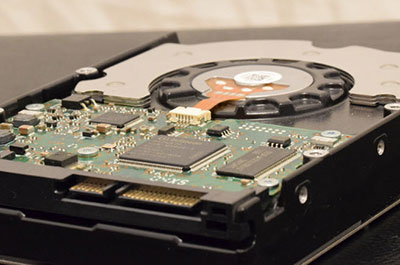
How To Connect a Drive (HDD/SSD) to a Raspberry Pi or Other Linux Computers

By Maker.io Staff

Projects such as personal media-streaming servers, NAS devices, and homemade game consoles may benefit from additional external data storage.

PROJECT
348

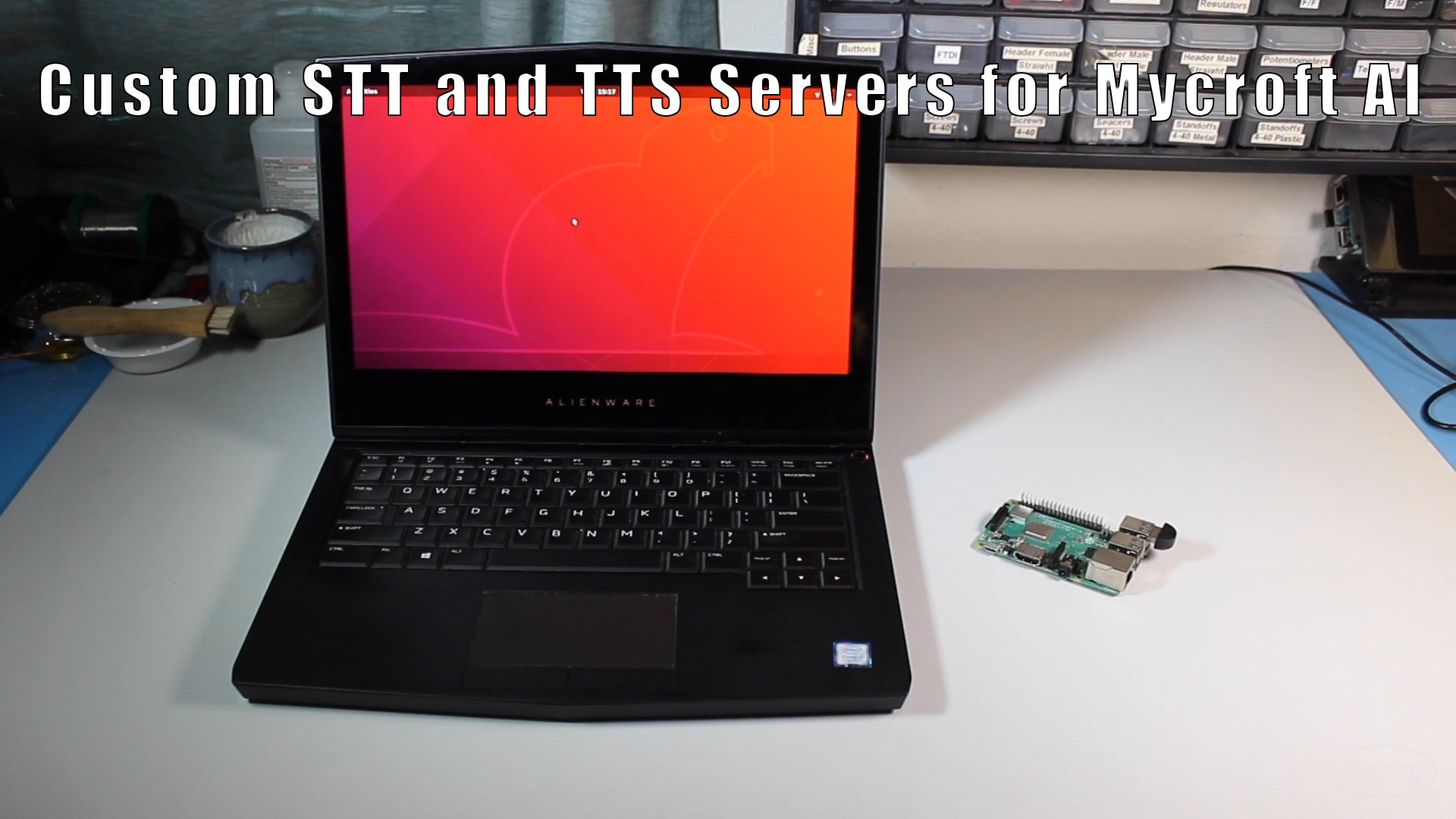
How to Run Custom Speech-to-Text (STT) and Text-to-Speech (TTS) Servers

By ShawnHymel

How to run Mozilla DeepSpeech and TTS services on a local computer for Mycroft AI

BLOG
1 591

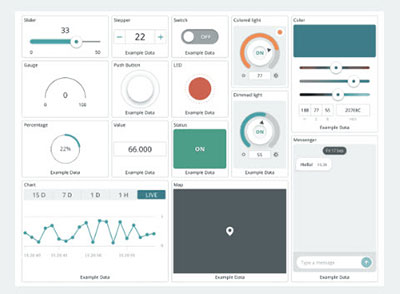
Arduino Cloud Overview, Features, and Plans

By Maker.io Staff

The Arduino Cloud is a toolbox that includes easy-to-use tools that help you create, monitor, and update connected IoT projects across their entire lifecycle.

PROJECT
204

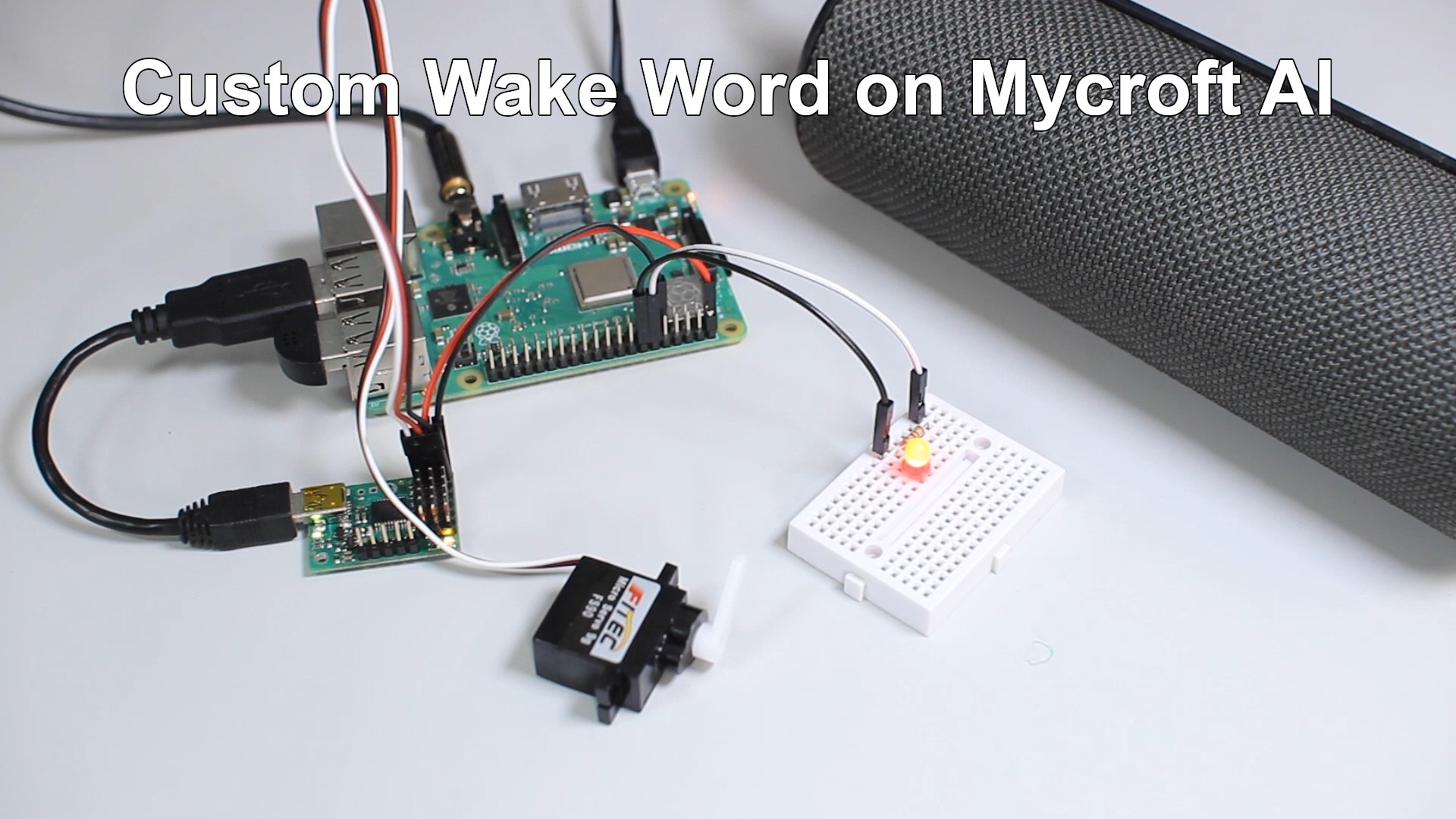
How to Create a Custom Wake Word for Mycroft AI

By ShawnHymel

This tutorial will walk you through the process of setting up a virtual machine to train a custom wake word for Mycroft AI

PROJECT
139

How to Create a Custom Skill for Mycroft AI on Raspberry Pi

By ShawnHymel

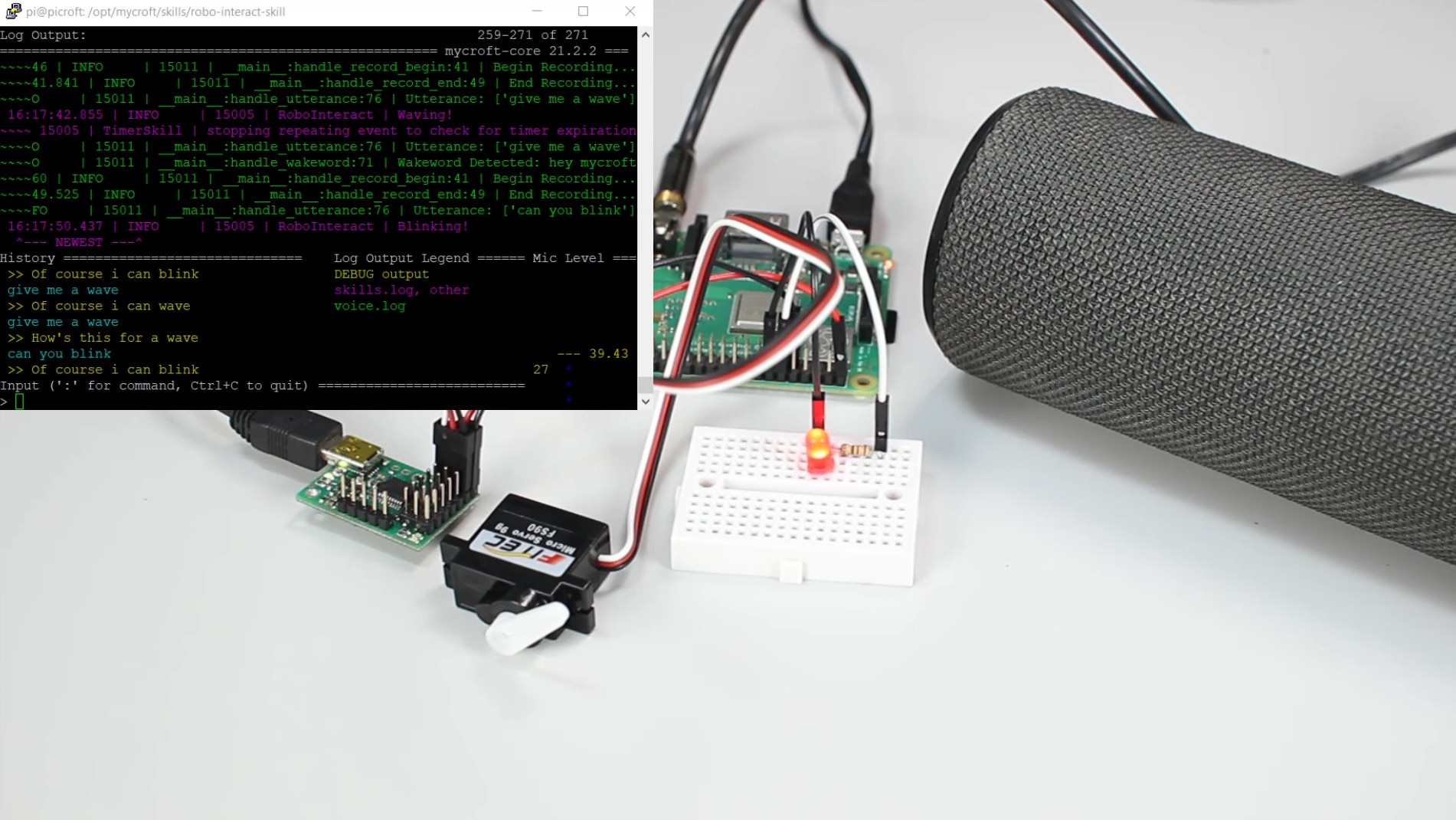
This tutorial will show you how to create a custom skill that controls hardware for the Mycroft AI voice assistant program on a Raspberry Pi